You haven't signed in yet, you can have a better experience after signing in
Ashampoo WinOptimizer 29, a cleaning and optimization tool software 
Activity Rules
1、Activity time:{{ info.groupon.start_at }} ~ {{ info.groupon.end_at }}。
1、Activity time:cease when sold out。
2、Validity period of the Group Buying:{{ info.groupon.expire_days * 24 }} hours。
3、Number of Group Buying:{{ info.groupon.need_count }}x。
Please Pay Attention
1、Teamwork process: Join/initiate a Group Buying and make a successful payment - Within the validity period, the number of team members meets the activity requirements - Group Buying succeeded!
2、If the number of participants cannot be met within the valid period, the group will fail, and the paid amount will be refunded in the original way.
3、The number of people required and the time of the event may vary among different products. Please pay attention to the rules of the event.
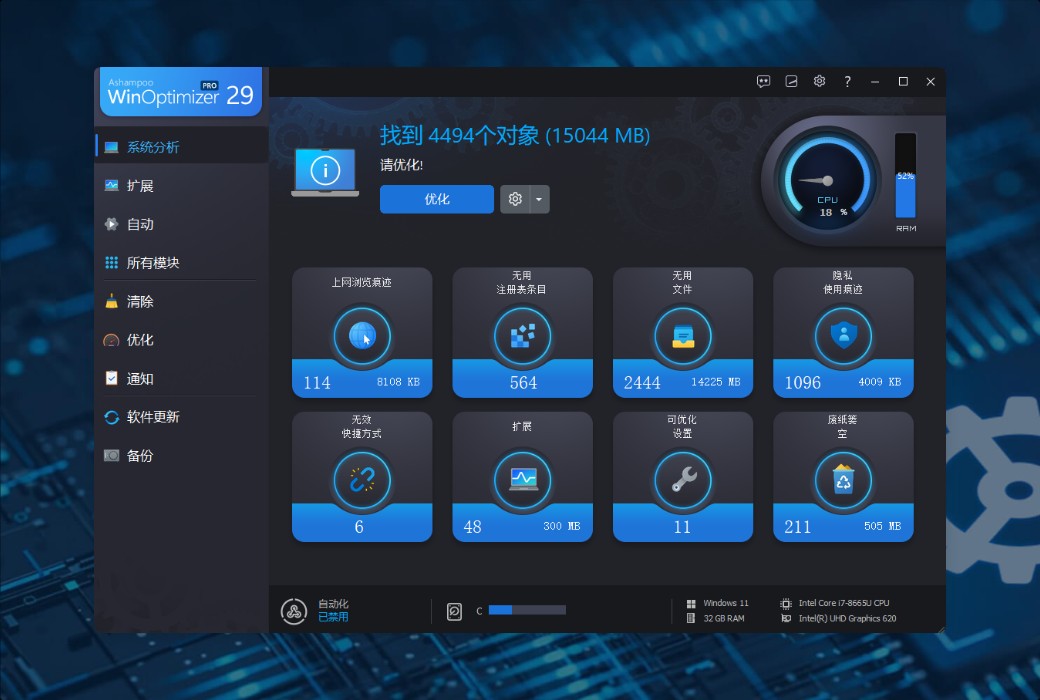
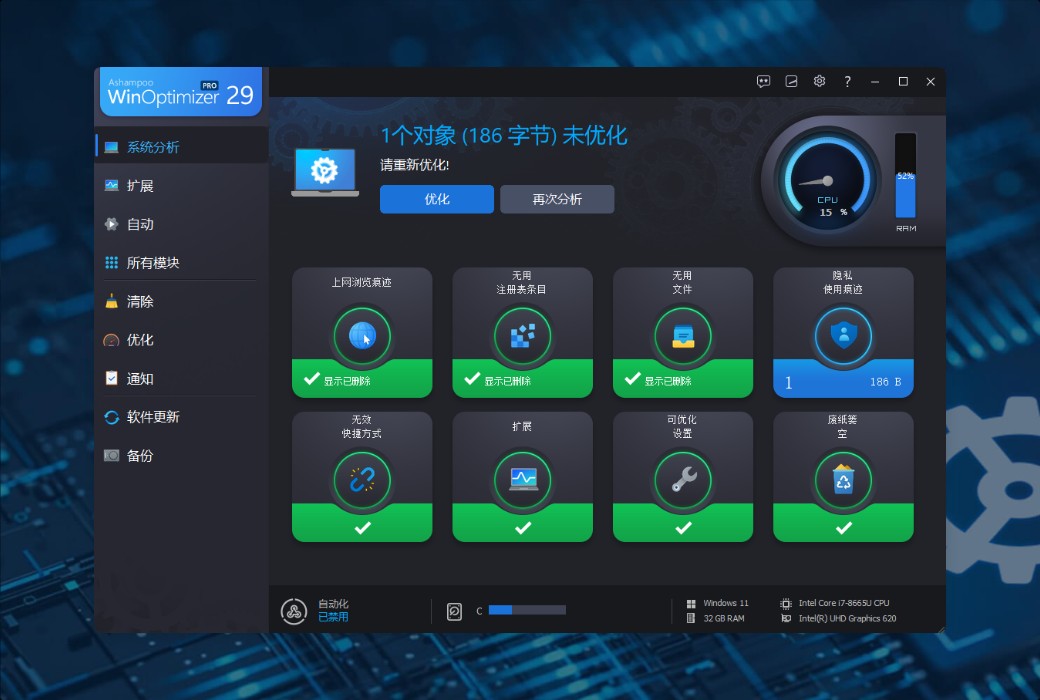
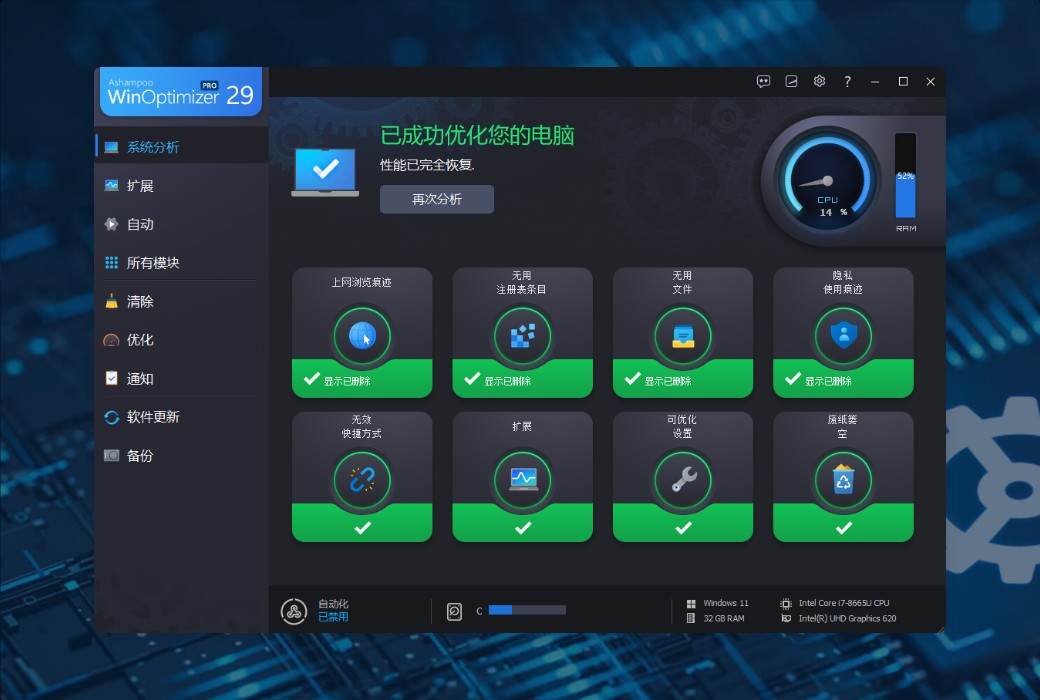
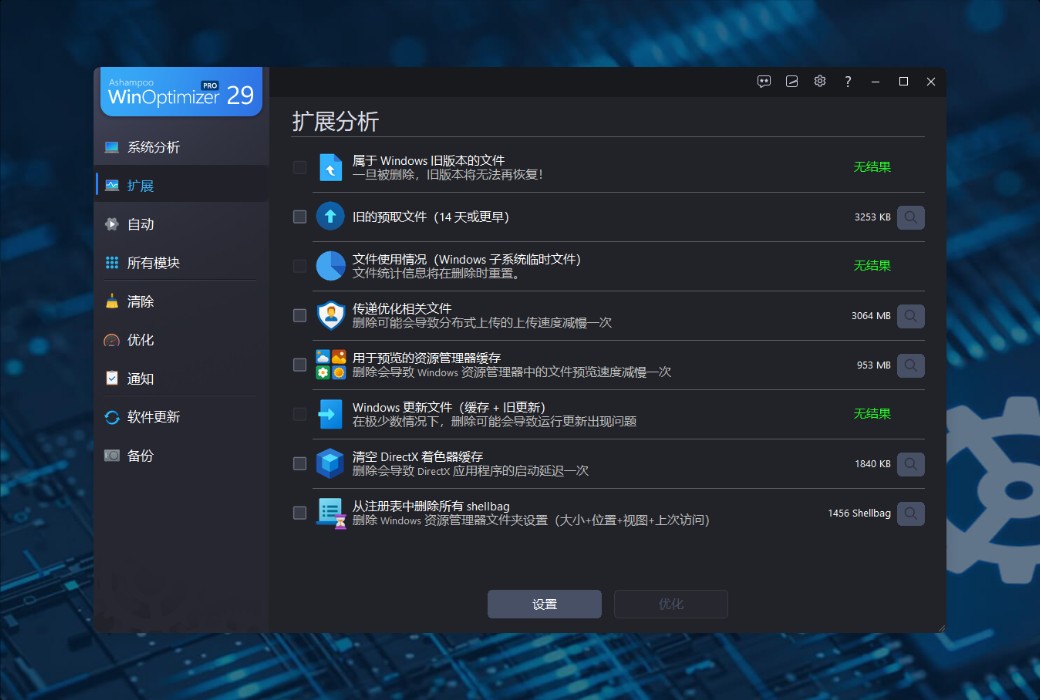
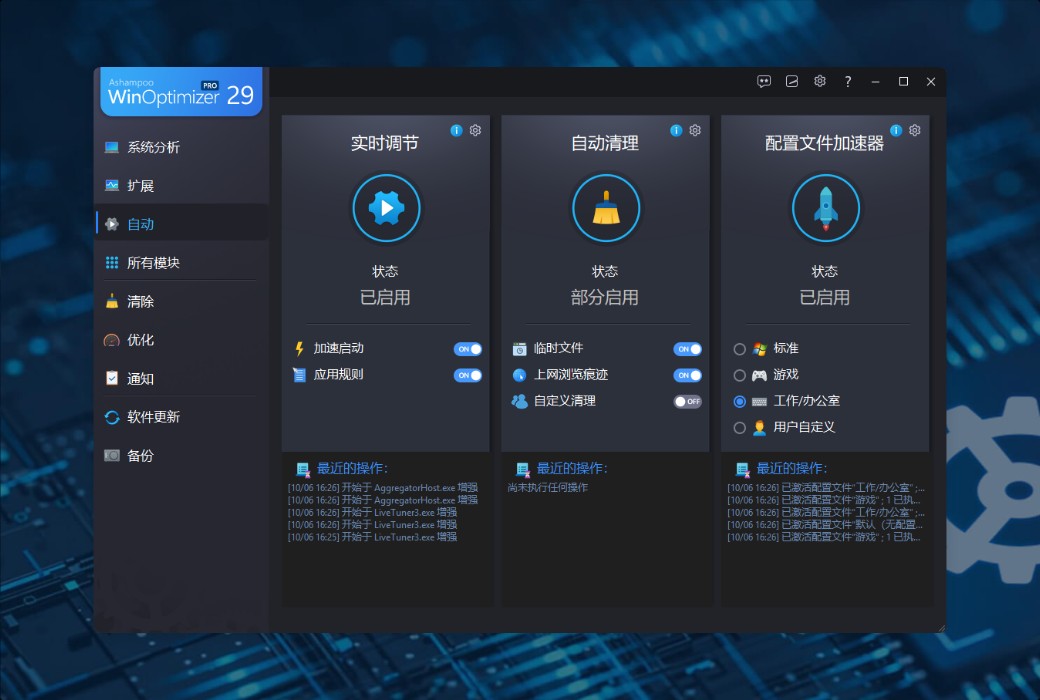
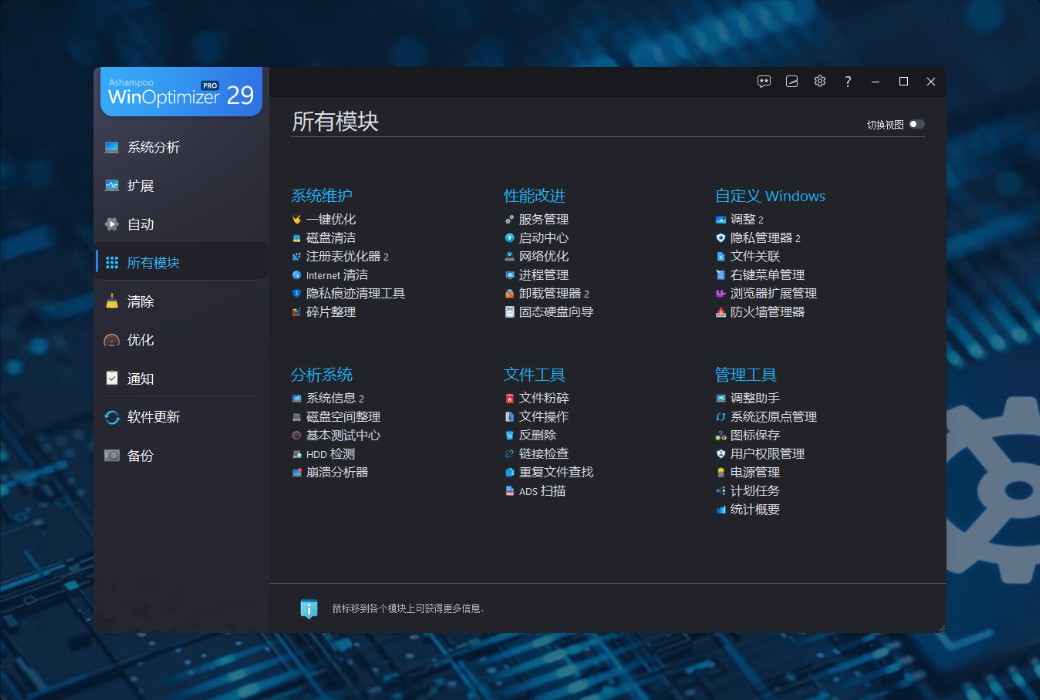
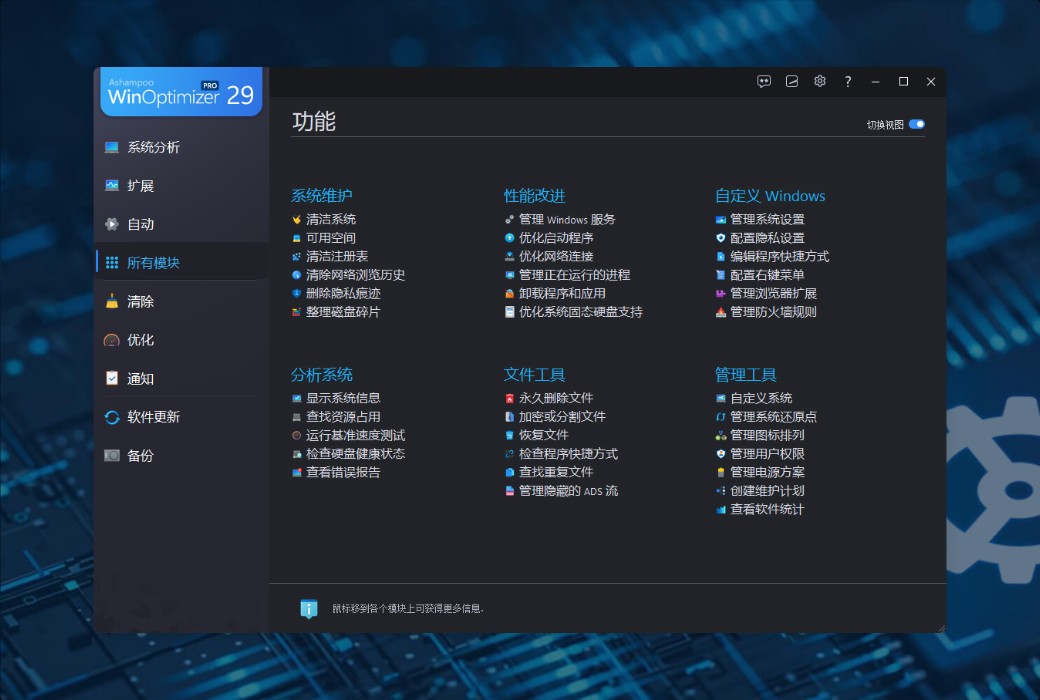
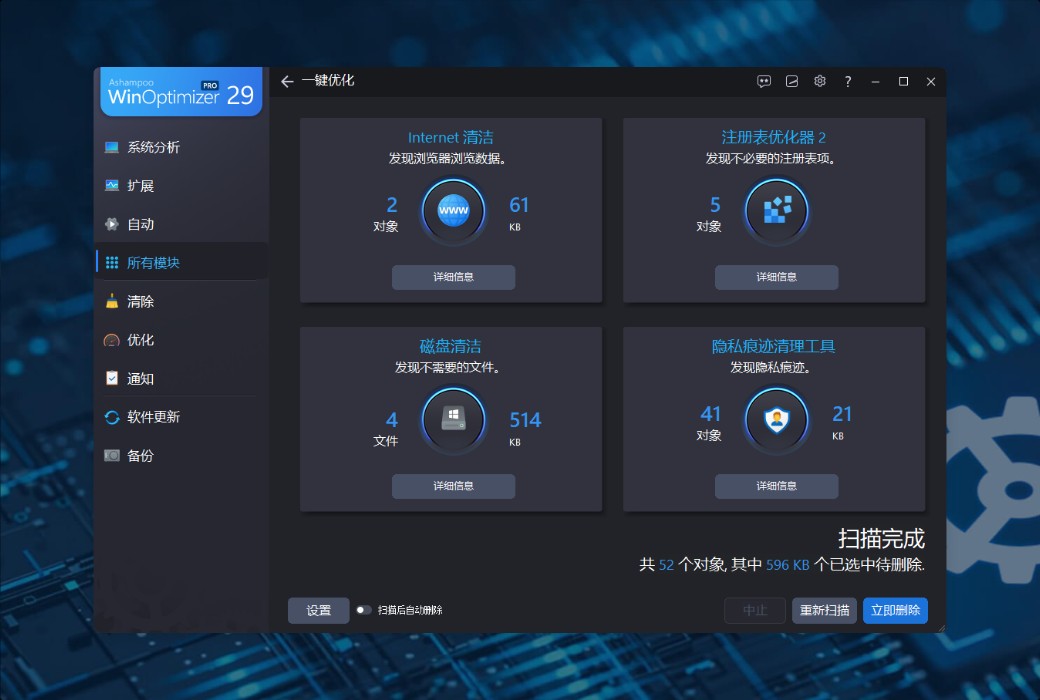
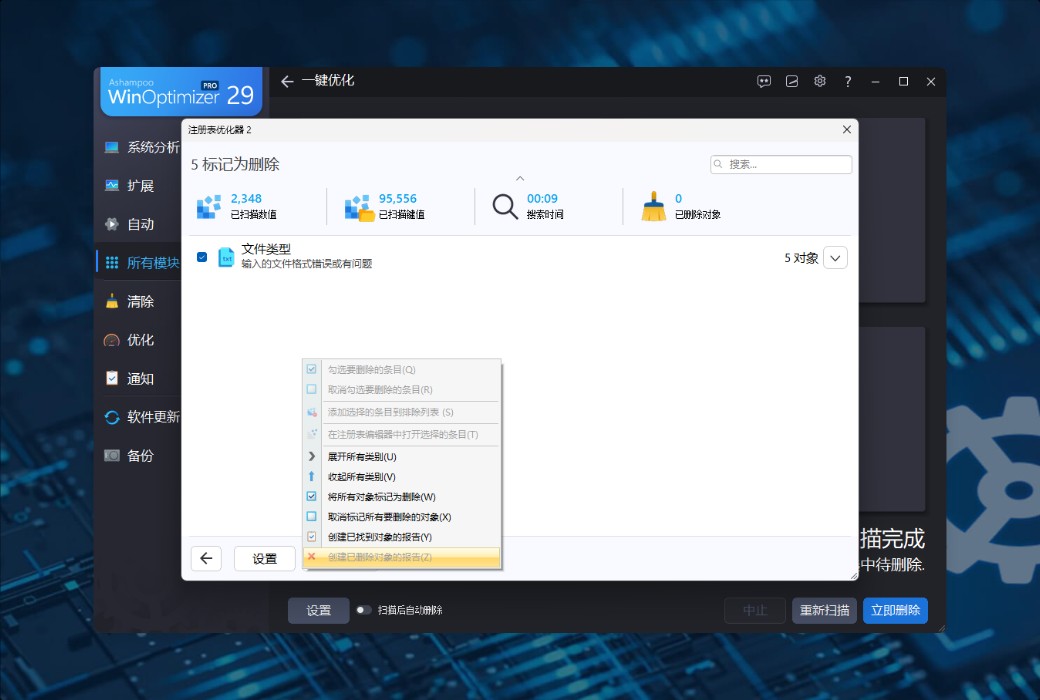
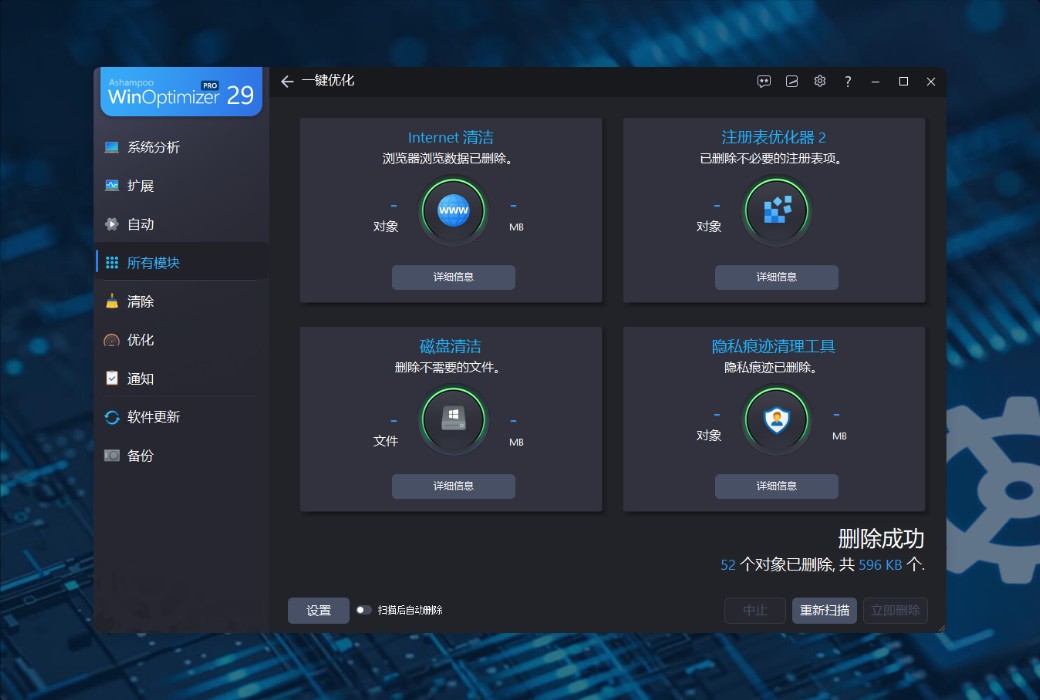
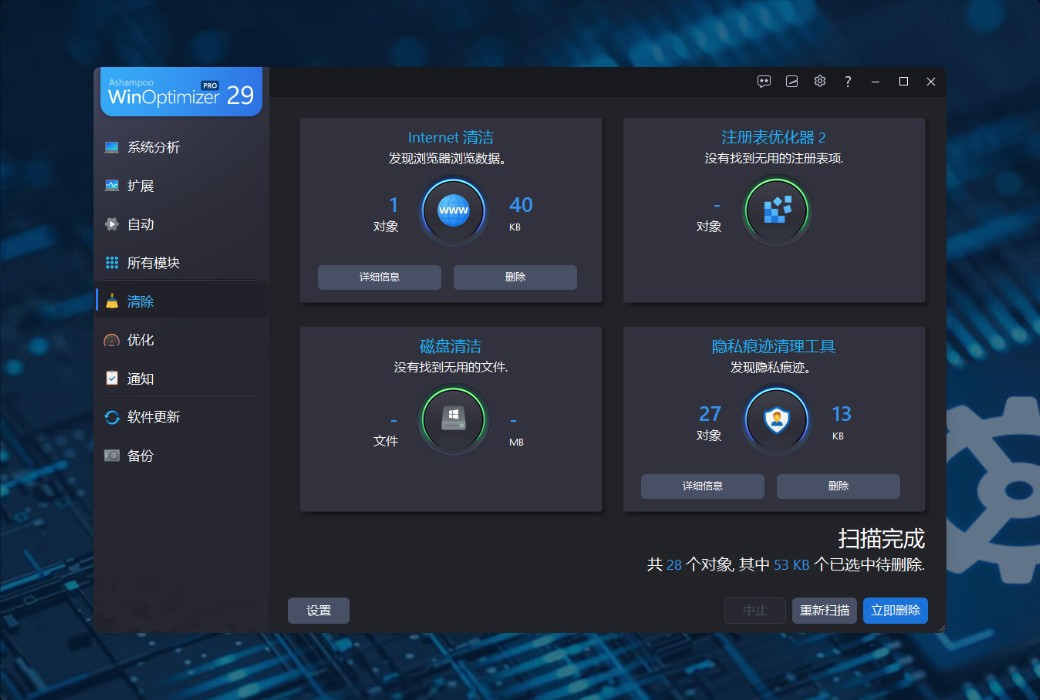
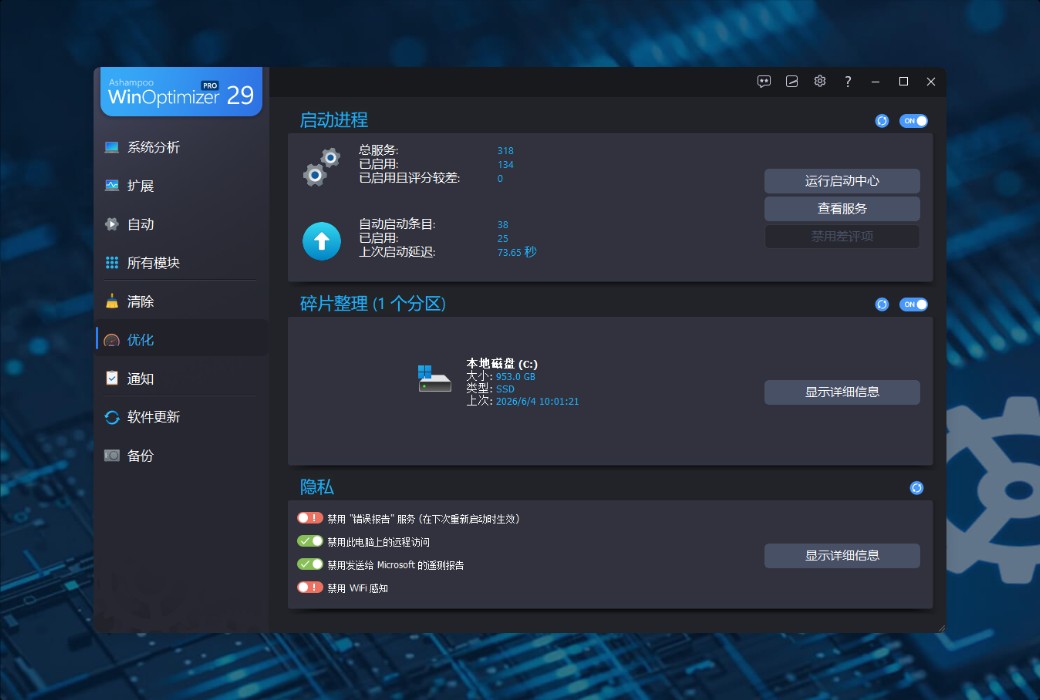
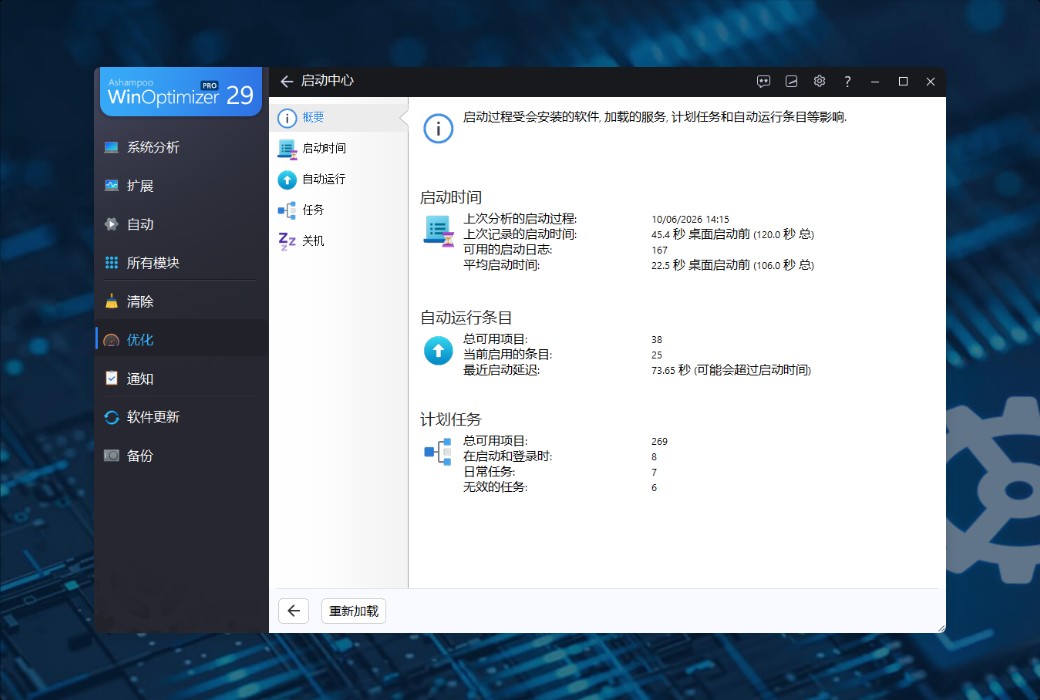
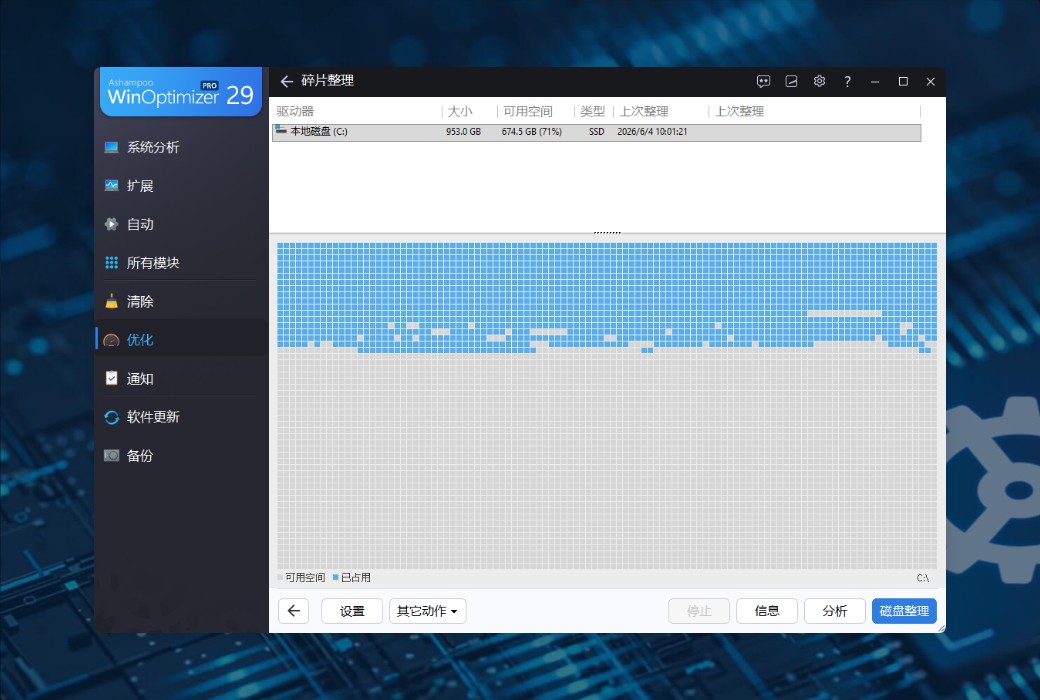
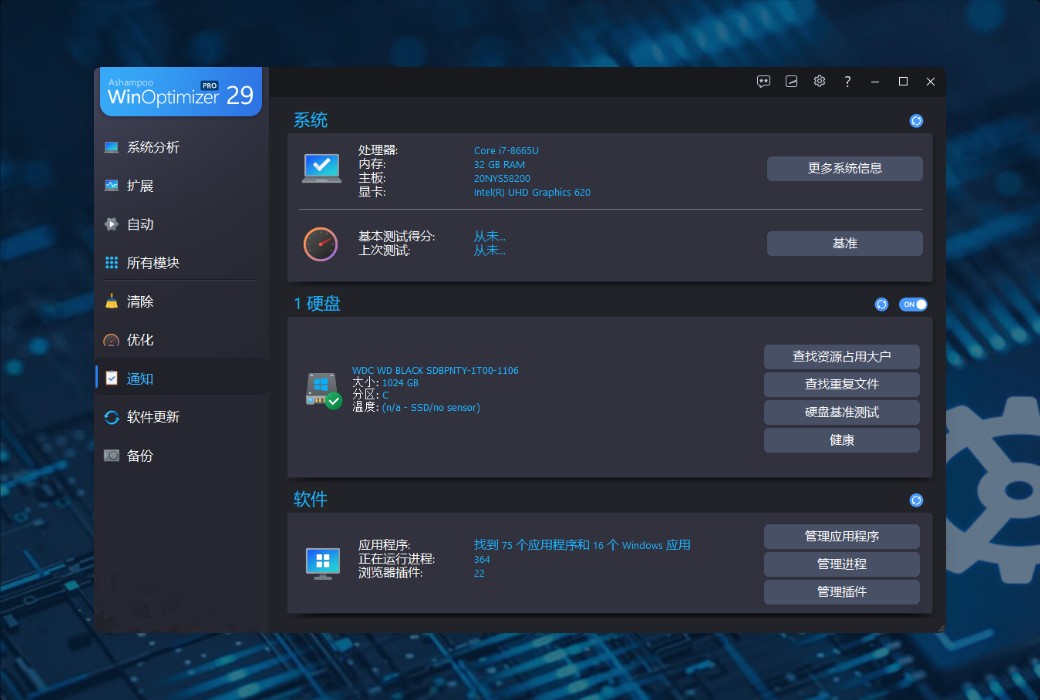
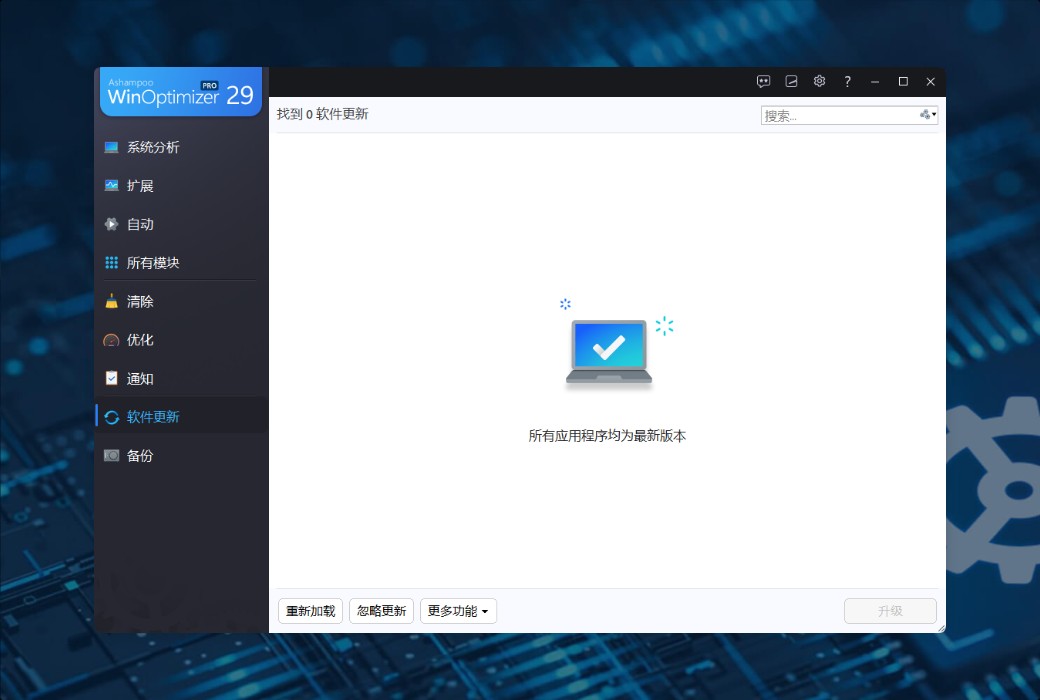
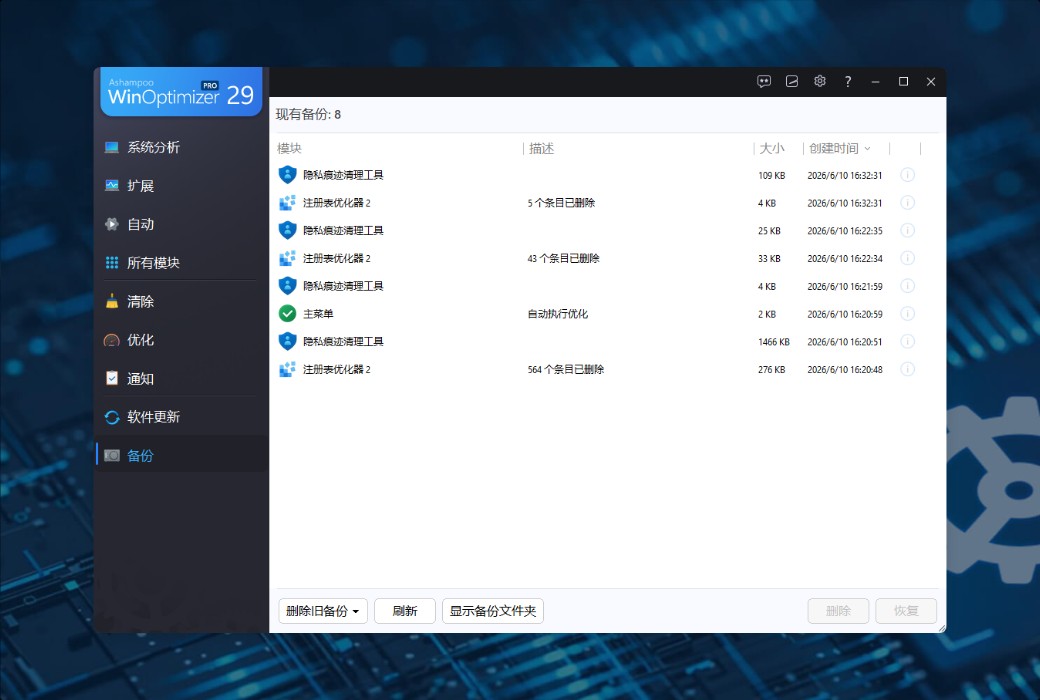
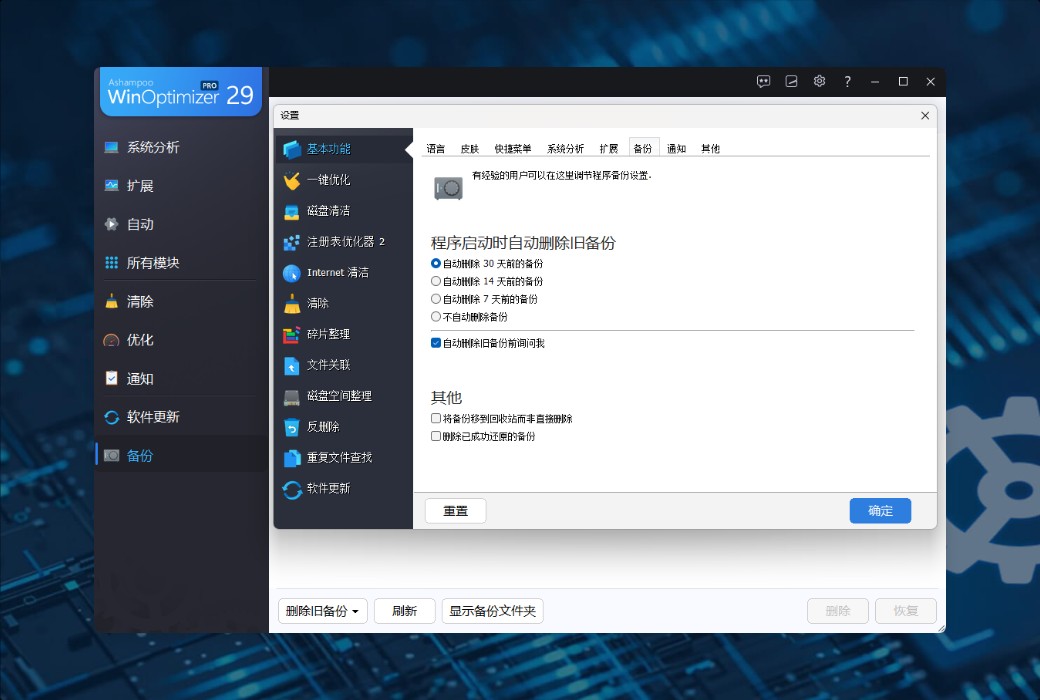
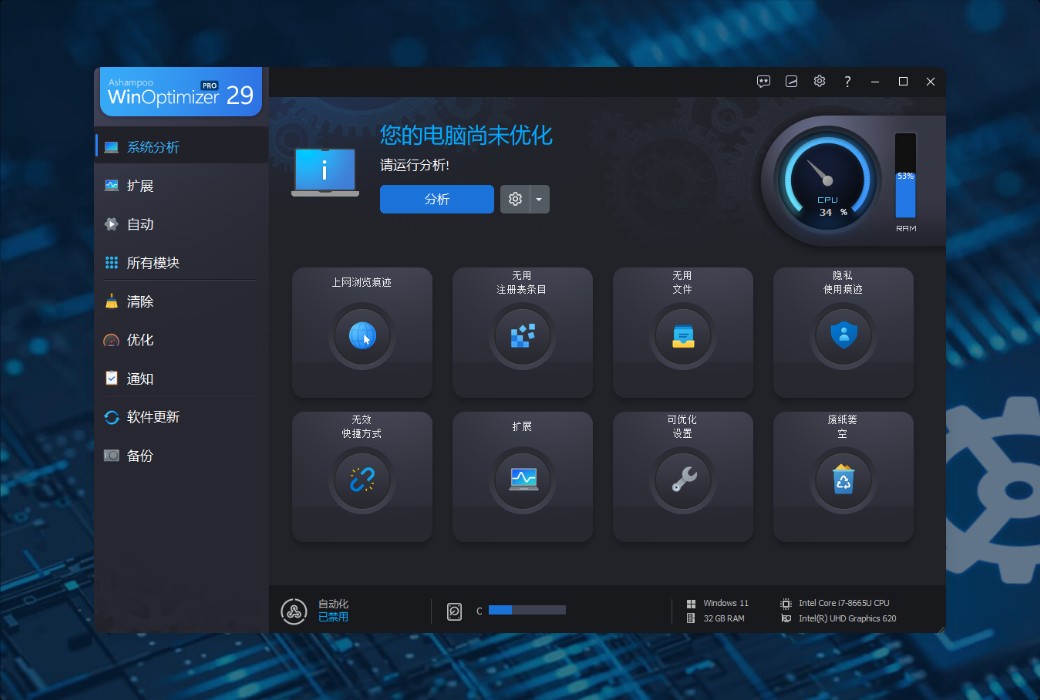
Ashampoo WinOptimizer is a powerful system optimization tool designed to provide users with a faster, more stable, and more secure Windows experience. It utilizes a series of automated programs and advanced tools to help users accelerate, clean up, and adjust their systems to meet different usage needs, whether it's for gaming, office work, or daily web browsing.
System Acceleration and Optimization
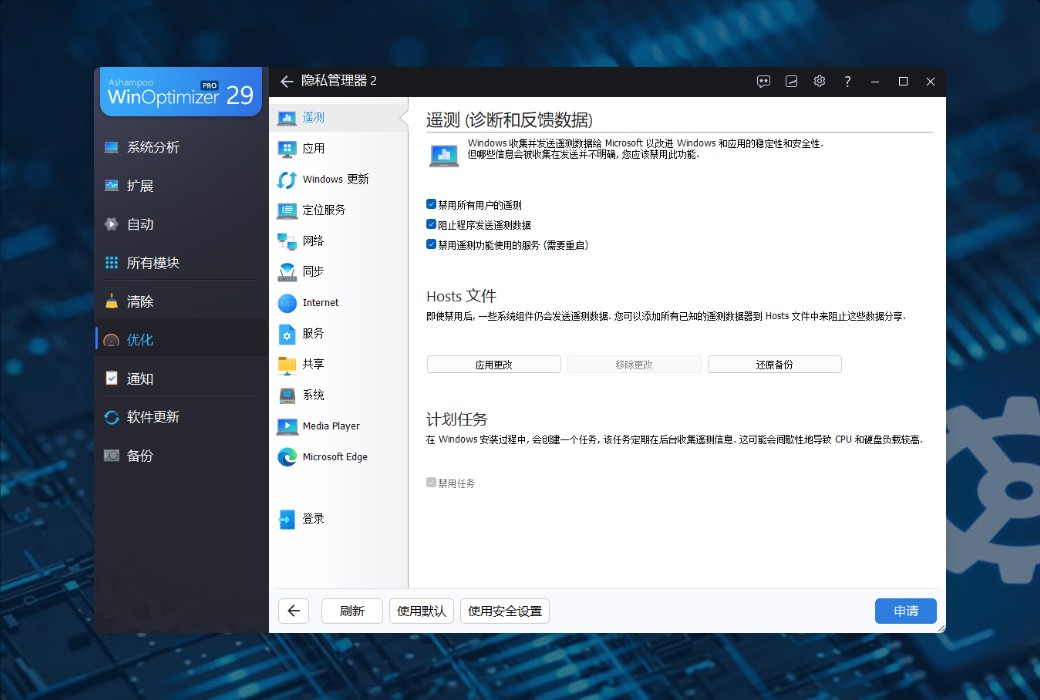
Privacy Protection

Official Website:https://www.ashampoo.com/zh-cn/winoptimizer
Download Center:https://winoptimizer.apsgo.cn
Shipping Time: manual online shipping
Operating Platform: Windows
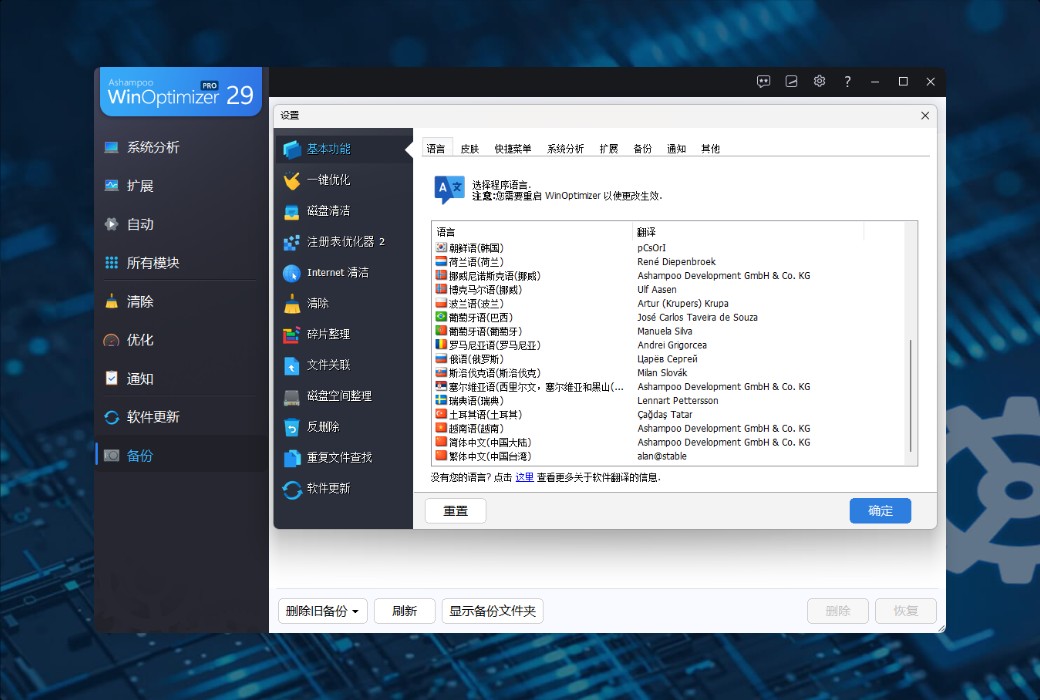
Interface Language: supports Simplified Chinese interface display, with multiple languages available.
Update Instructions: permanent use, free updates for sub-versions. (v29.x)
Trial Before Purchase: a limited free version is available for use before purchase.
How to Receive the Product: after purchase, activation information will be sent to the email provided during the order process, and the corresponding product activation code can be viewed in the personal center, under "My Orders".
Number of Devices: can be installed on 1 computer.
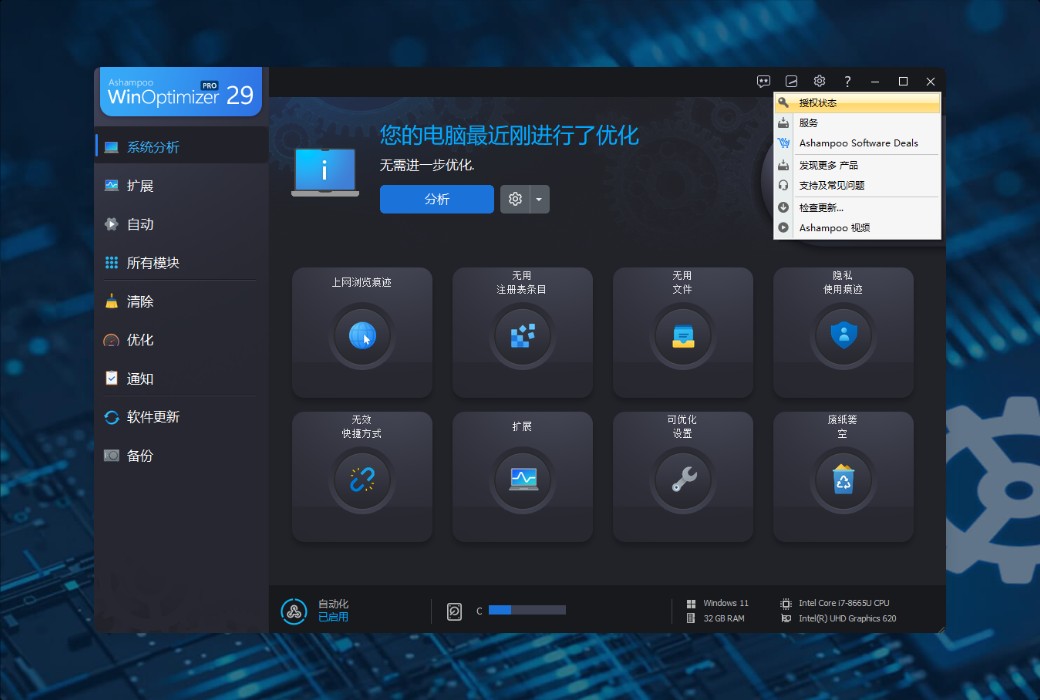
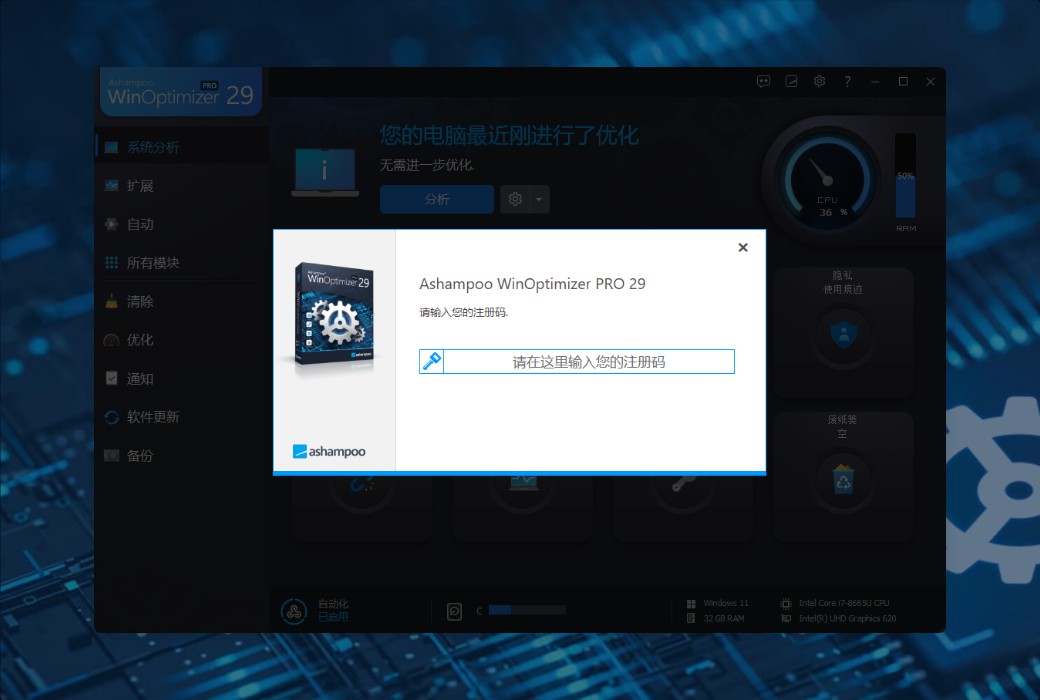
Changing Computers: open the software and click the menu: My Ashampoo–>License Status–>Enter Registration Code Manually–>Reset License Status–>Next; this will complete the reset of the registration code.
Activation Guide: to be added.
Special Instructions: to be added.
References:https://www.ashampoo.com/zh-cn/winoptimizer

Any question